Where to find the scientific methods to take control of your training? Try the professional workout mode on your HONOR watch, supporting running, walking, climbing, swimming, skiing, cycling, and other sports. Besides, an HONOR watch can intelligently monitor and analyze your sports data, allowing you to keep fit with a joyful exercise journey.
Tips: The following takes the example of HONOR Band 6. Different products may vary by functions and instructions.


Start a Workout
on Your Watch
on Your Watch
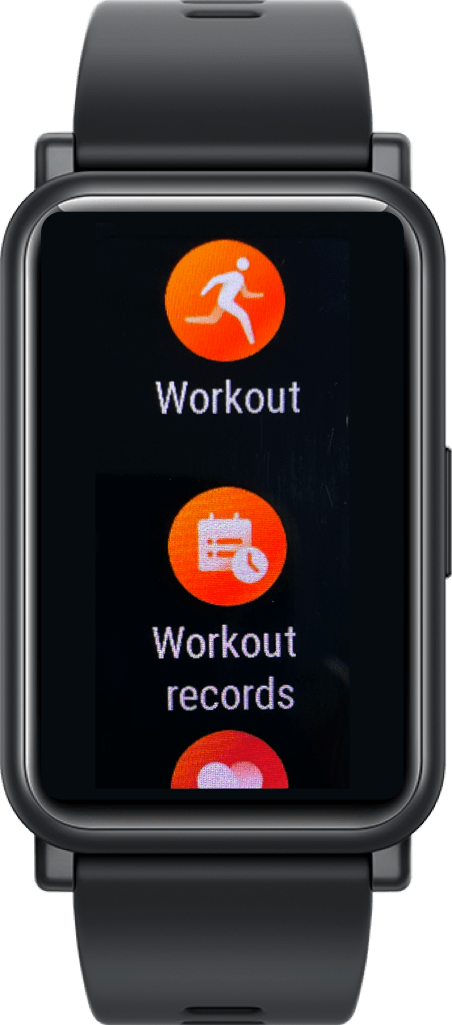
Navigate to Workout from the app list, scroll up or down and select one workout type to start. The watch will help to track your heart rate, speed, distance, and time while you are working out.

Take Running Courses
with Guidance
with Guidance
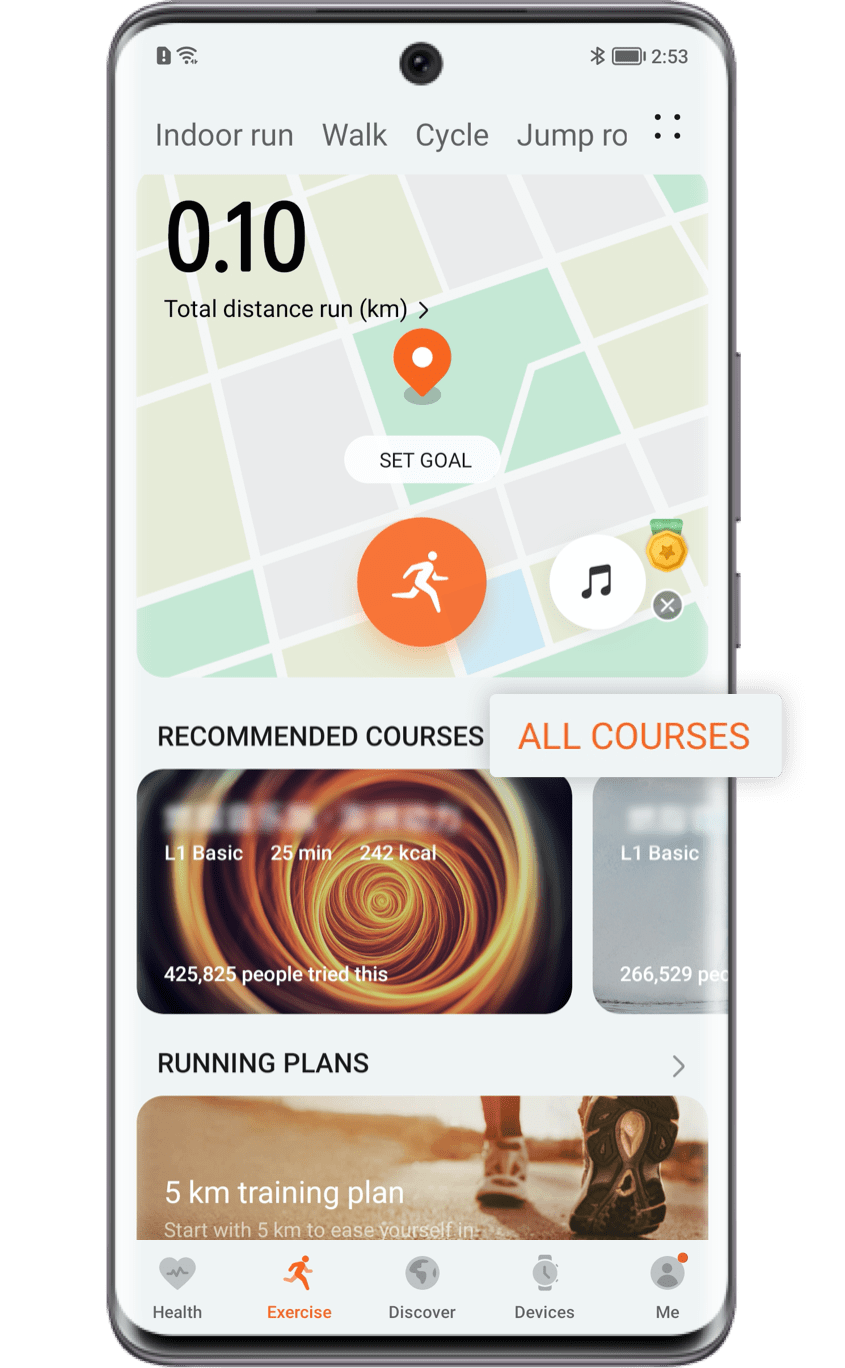
There are pre-installed running courses from the beginner level to the advanced level. Go to Workout > Running COURSES to find and start your running course. After the workout, check the Workout records app to learn about your exercise achievements, speed, and heart rate, etc.
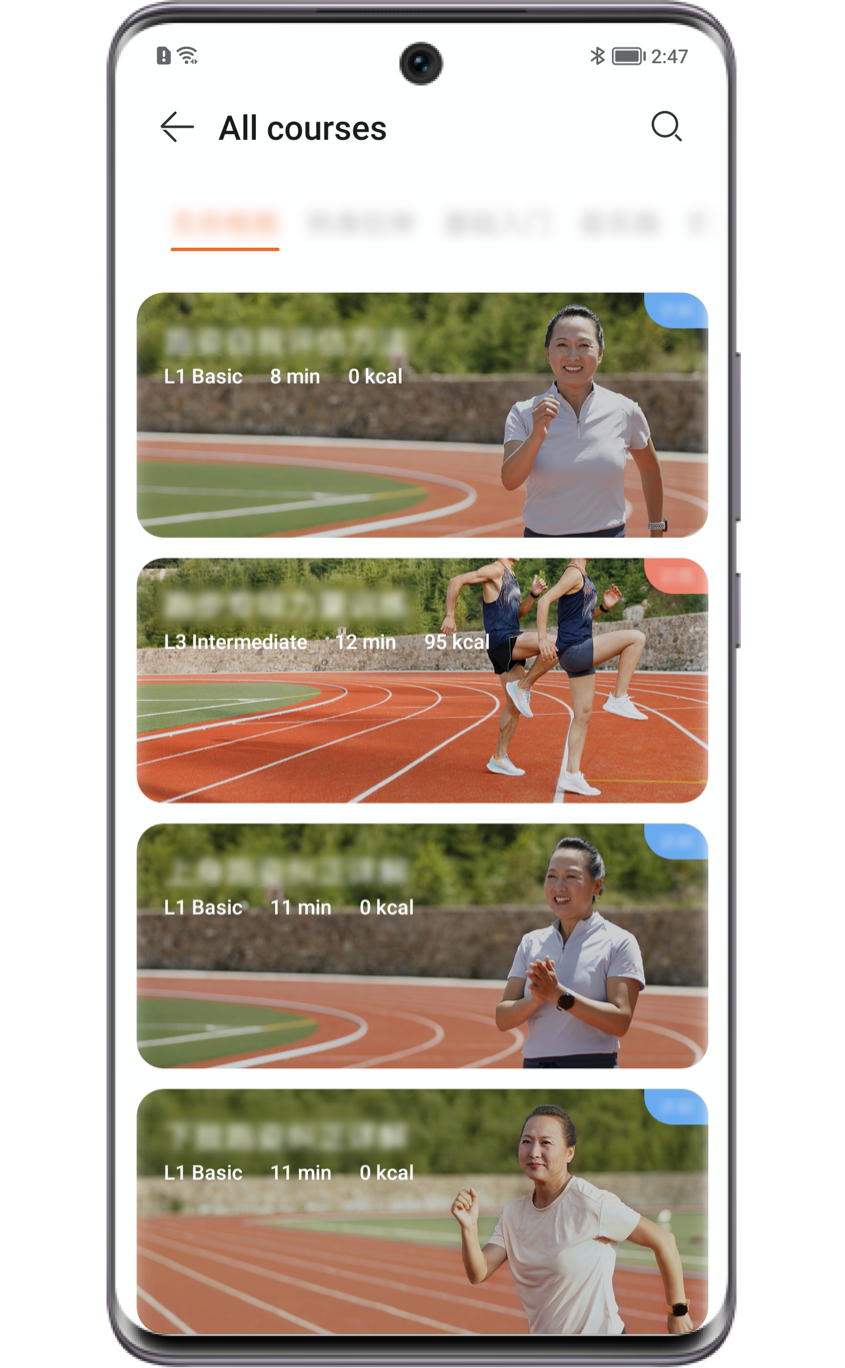
If you choose outdoor running, you can get guidance from Workout > Outdoor running. During the running Workout, the watch will broadcast your intensity, running time, heart rate, etc., to help improve your Workout.

Track Your
Outdoor Movement
Outdoor Movement
Afraid of getting lost outdoor? The HONOR Watch helps you record the details of your run. Go to Petal Health App* > Workout records to check it. Meanwhile, backtracking is also available. During an outdoor exercise, you can slide left or right on the watch screen to enter Backtracking interface and go back to the start point by navigation.
Tips: Skipping searching for GPS process in outdoor exercise would result in abnormal movement tracking data. It is recommended to start your sport after GPS is successfully connected.
Tips: The tracking function is currently available in exercise types of Outdoor running, Walking, Cycling, Climbing, Swimming and Hiking etc.
Now start your workouts with the HONOR watch.
*Petal Health App is a third-party app.