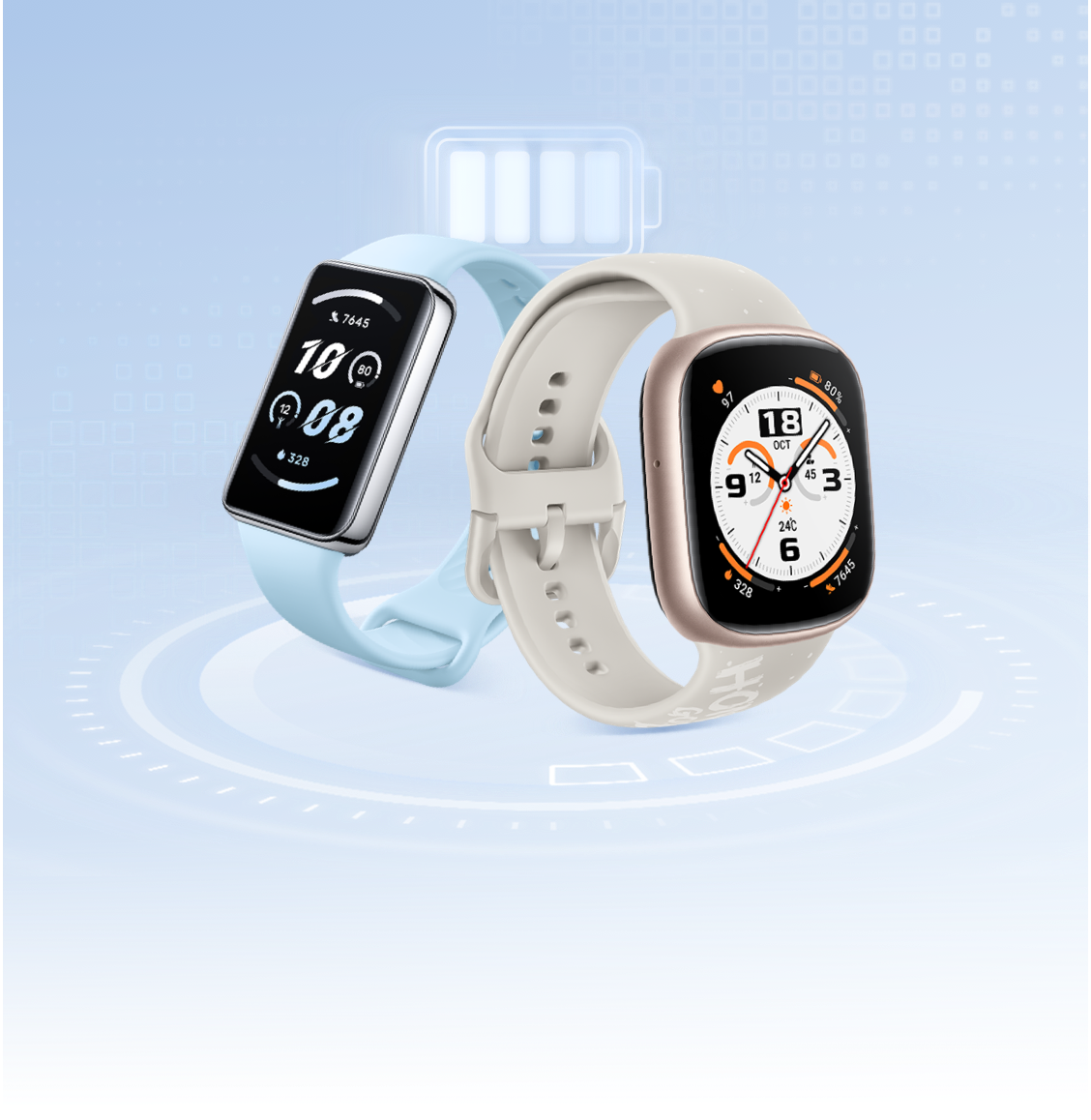
Wearable devices often experience fast battery drain. Is it a malfunction? The battery life of wearable devices can be influenced by various factors such as frequent screen activations, heart rate monitoring, and message notifications.
If you want to extend the battery life of your device, try the following methods:
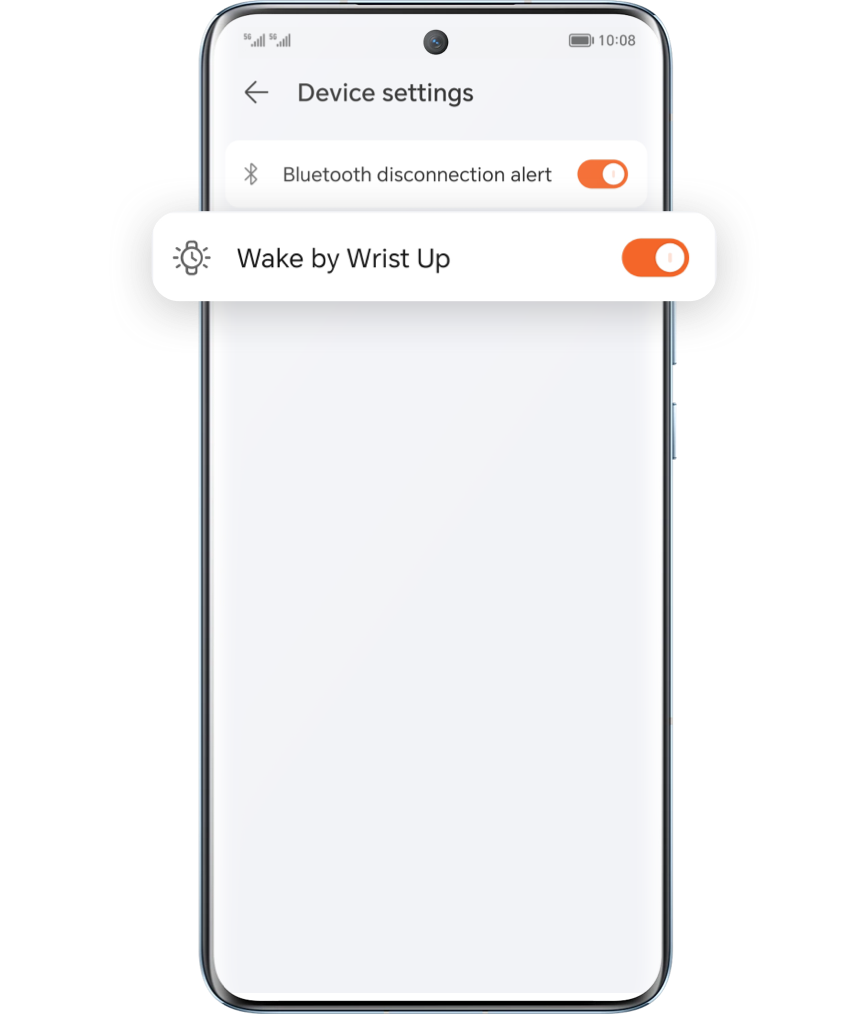
Disable Wake by Wrist Up

During activities like sports, climbing, or bumpy rides, the default
Wake by Wrist Up
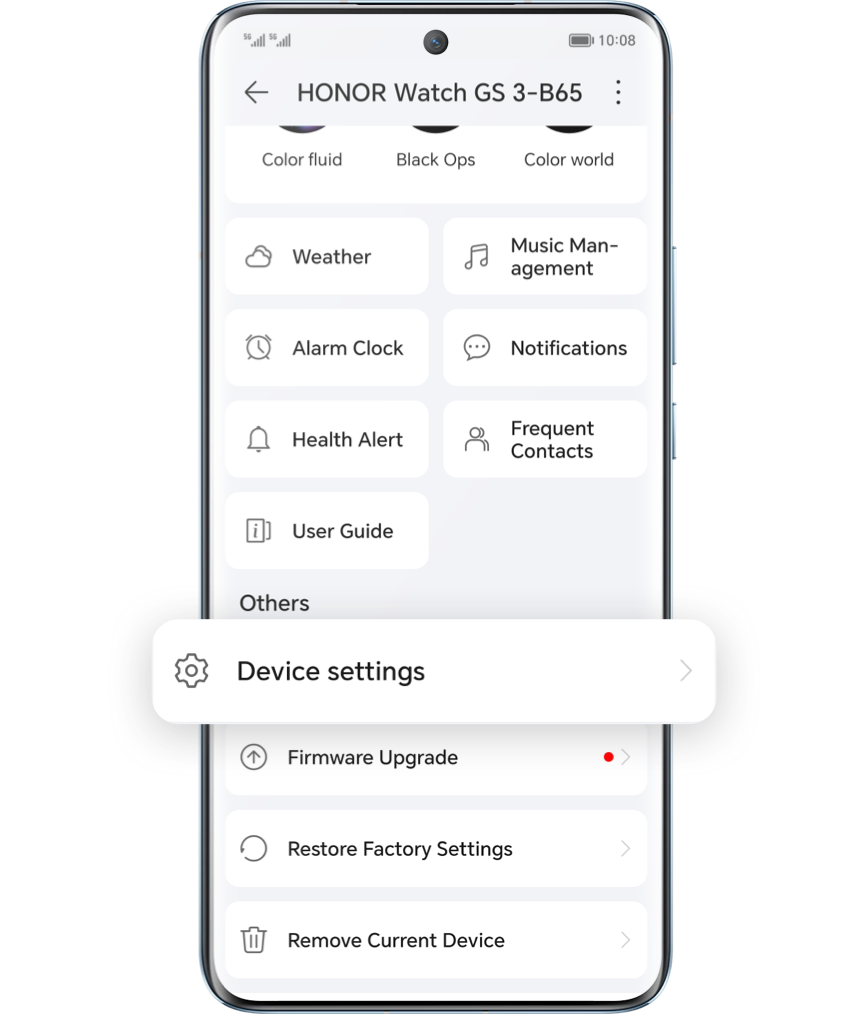
feature can be triggered, leading to increased power consumption. You can go to the device settings in HONOR Health app on your phone, click on
device settings
and tap to disable this function.

Reduce Continuous Monitoring Throughout the Day
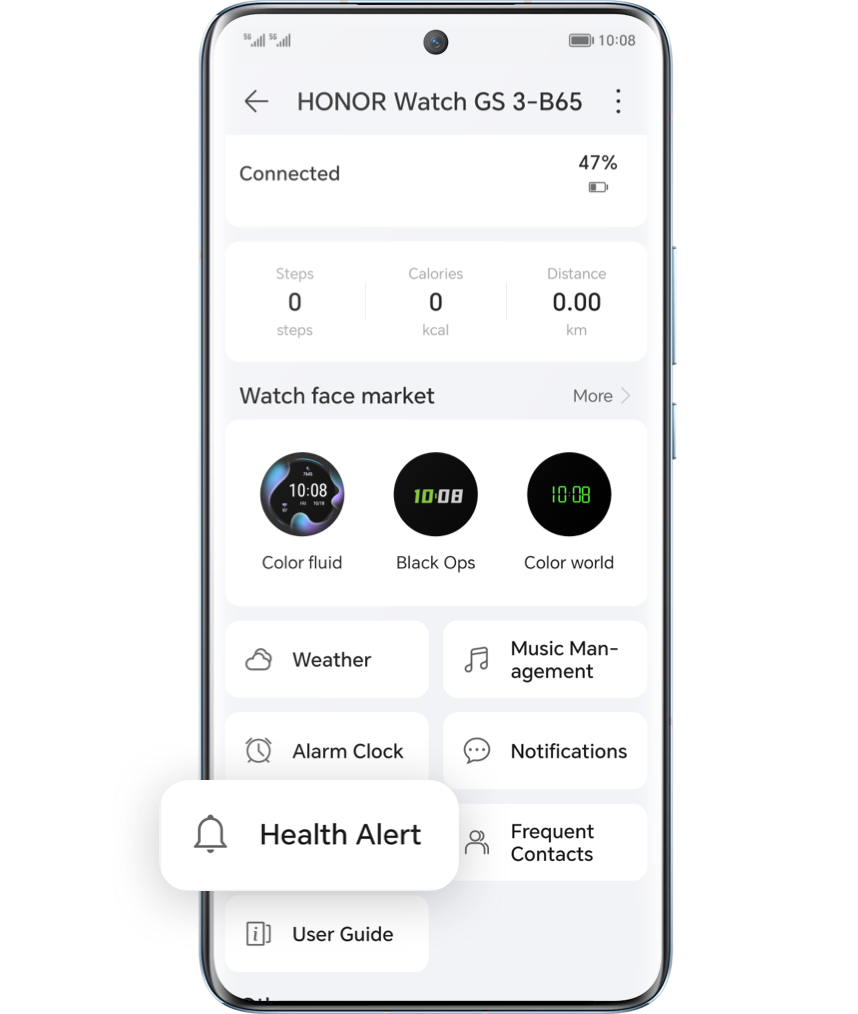
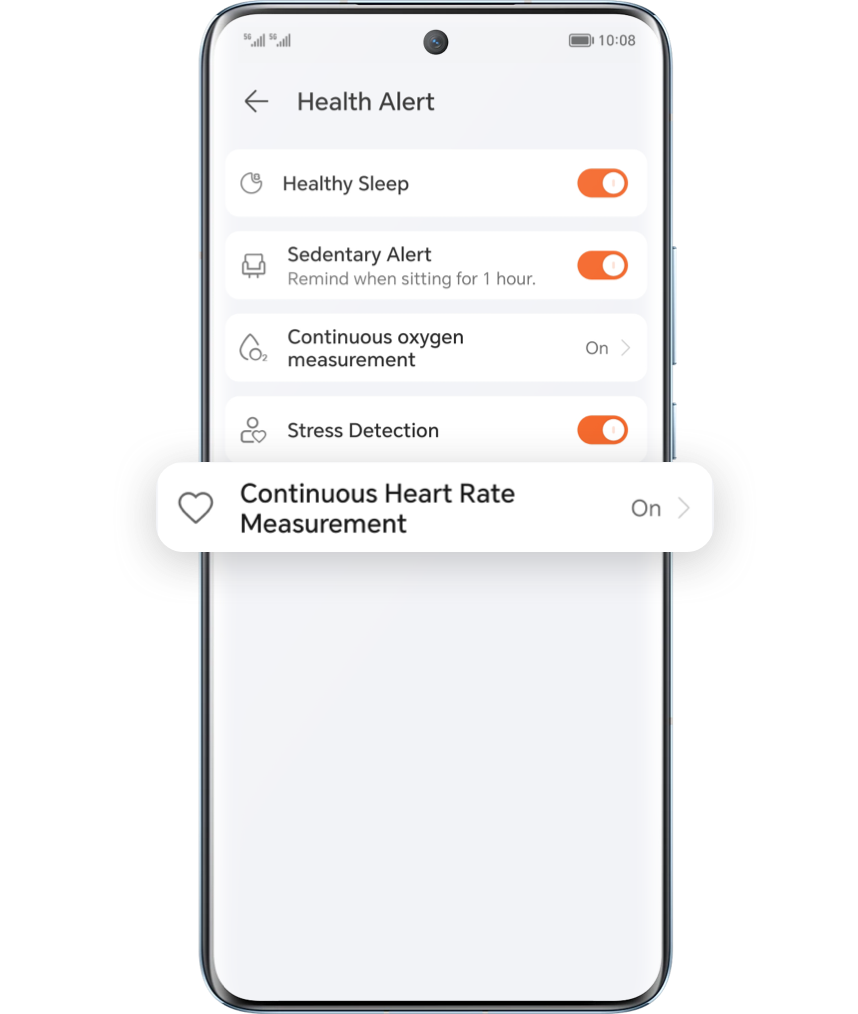
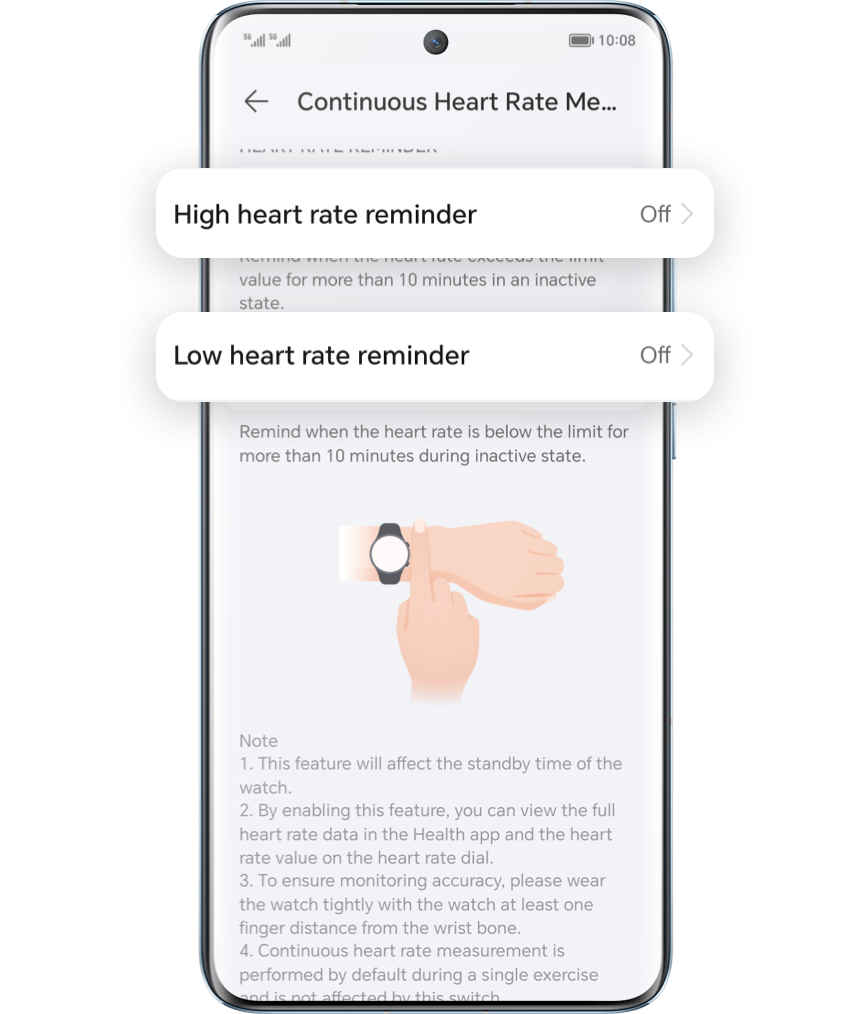
Continuous monitoring functions like heart rate and sleep tracking throughout the day consume power. You can go to HONOR Health app's device details page, click on
Health Alert
select
Continuous Heart Rate Measurement
or
scientific sleep
, and disable these two functions. Please enable them only when needed.
Turn Off Some App Notifications
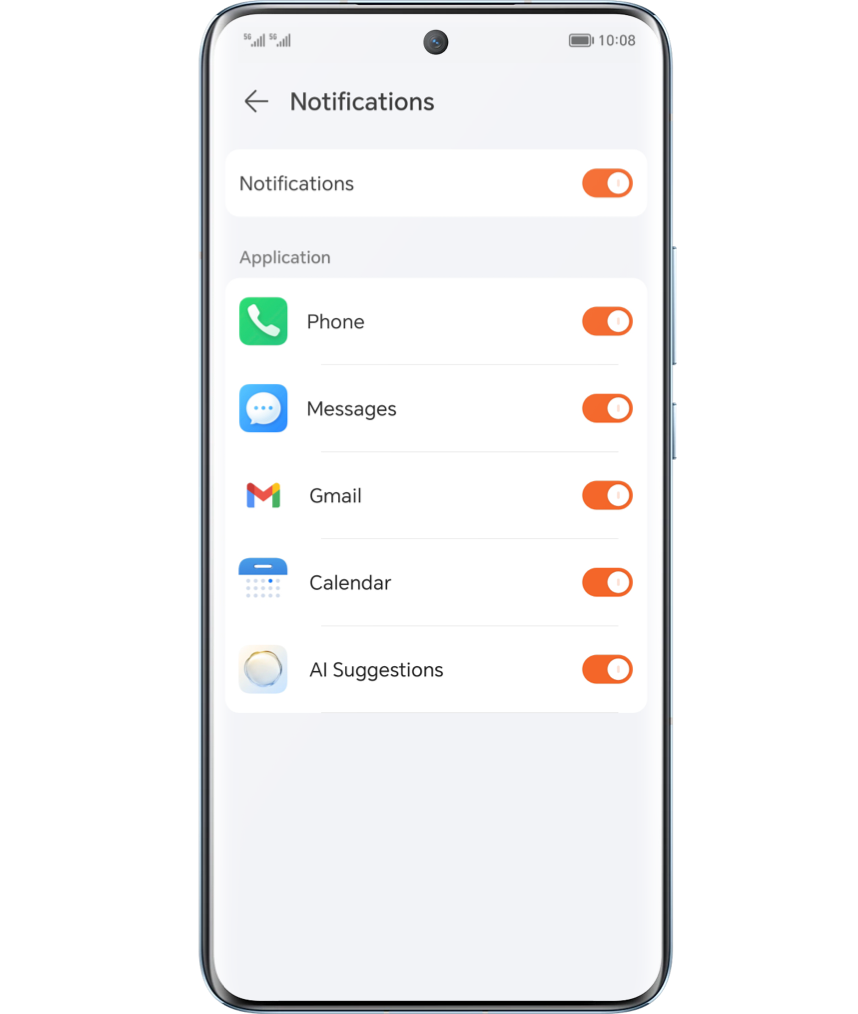
Frequent message notifications contribute to higher power consumption. Please disable push notifications for less frequently used apps by entering
notification management menu
on the device details page in HONOR Health app.
Use a Dimmer Watch Face
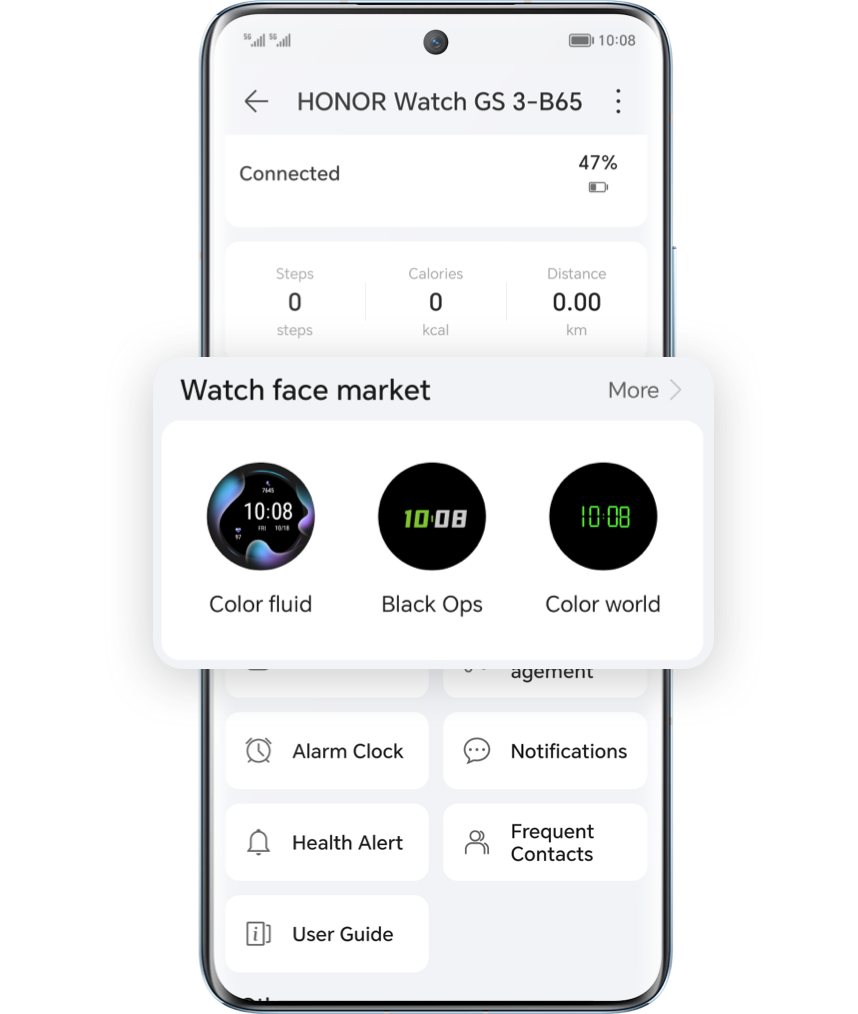
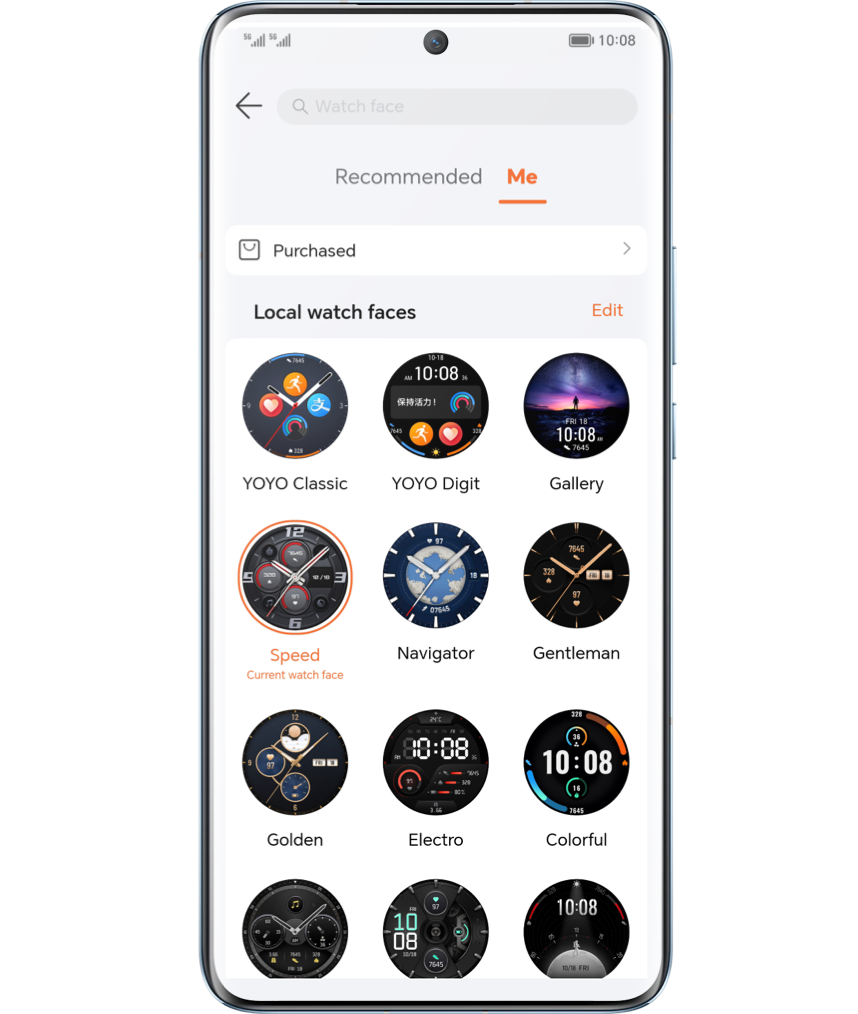
Some watch faces have higher brightness, which can increase power consumption. Please check the watch face app market in HONOR health app's device details page and switch to a lower bright watch face to save power.
Temporarily Disconnect Bluetooth Earphones
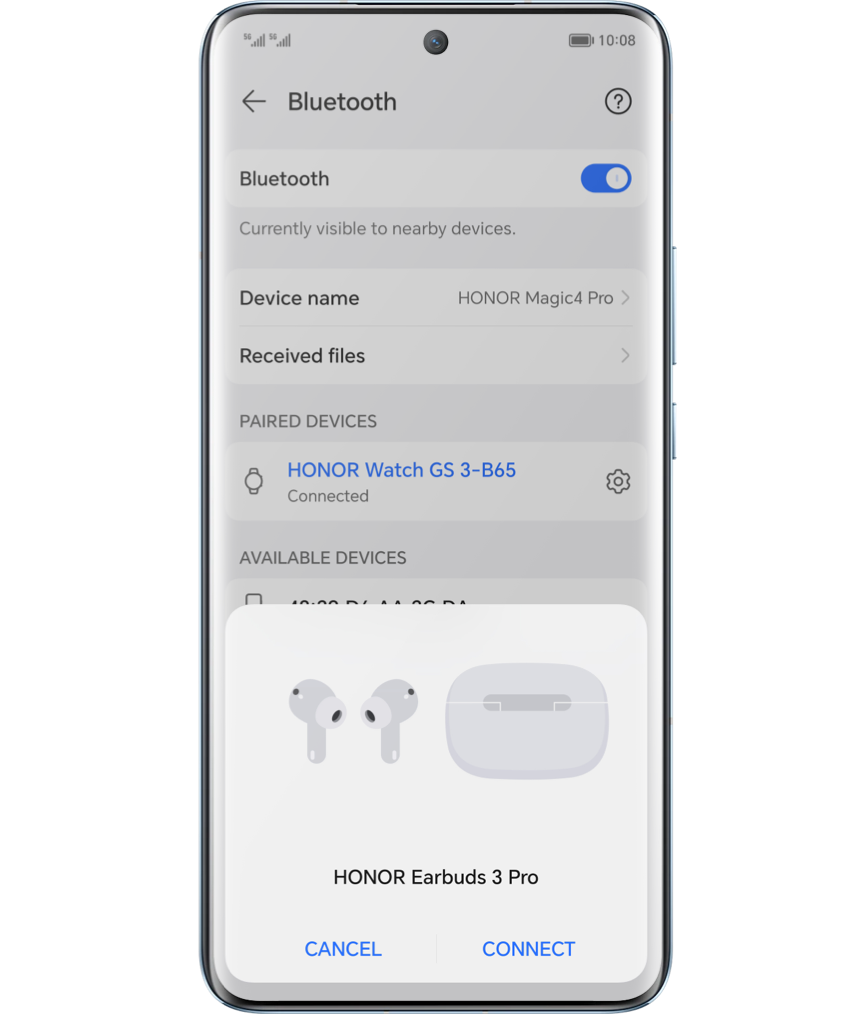
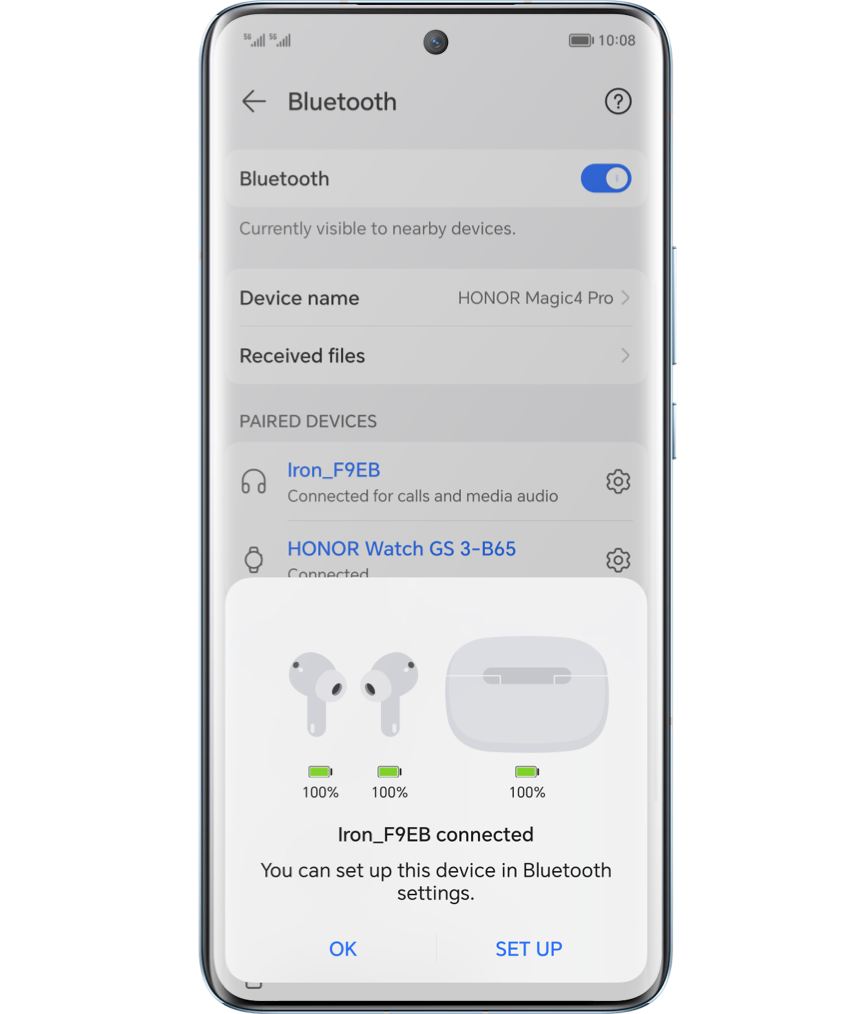
Connecting Bluetooth earphones increases power consumption. If the device's battery is low, please consider connecting Bluetooth earphones to your phone instead of the wearable devices for calls or music playback.
If you want your device to maintain good battery life in the long run, temporarily disabling or adjusting the above features may not be enough. It's essential to develop good charging habits in daily use to preserve the battery.
·Use Original Charging Equipment
Use the original charging equipment to ensure stable charging voltage that meets standards. Prolonged use of non-original chargers may damage the battery.
·Charge Timely
Letting the device's battery discharge too much will damage the battery. Please charge the battery in a timely manner instead of waiting until it's very low.
·Store at Appropriate Temperature
Avoid placing the device in environments with low or high temperatures or significant temperature differences, as this can affect the battery's lifespan.
Try the above methods to extend the standby time of your HONOR wearable devices.