Live Your Memories
Transforms static images into engaging videos or moving photos
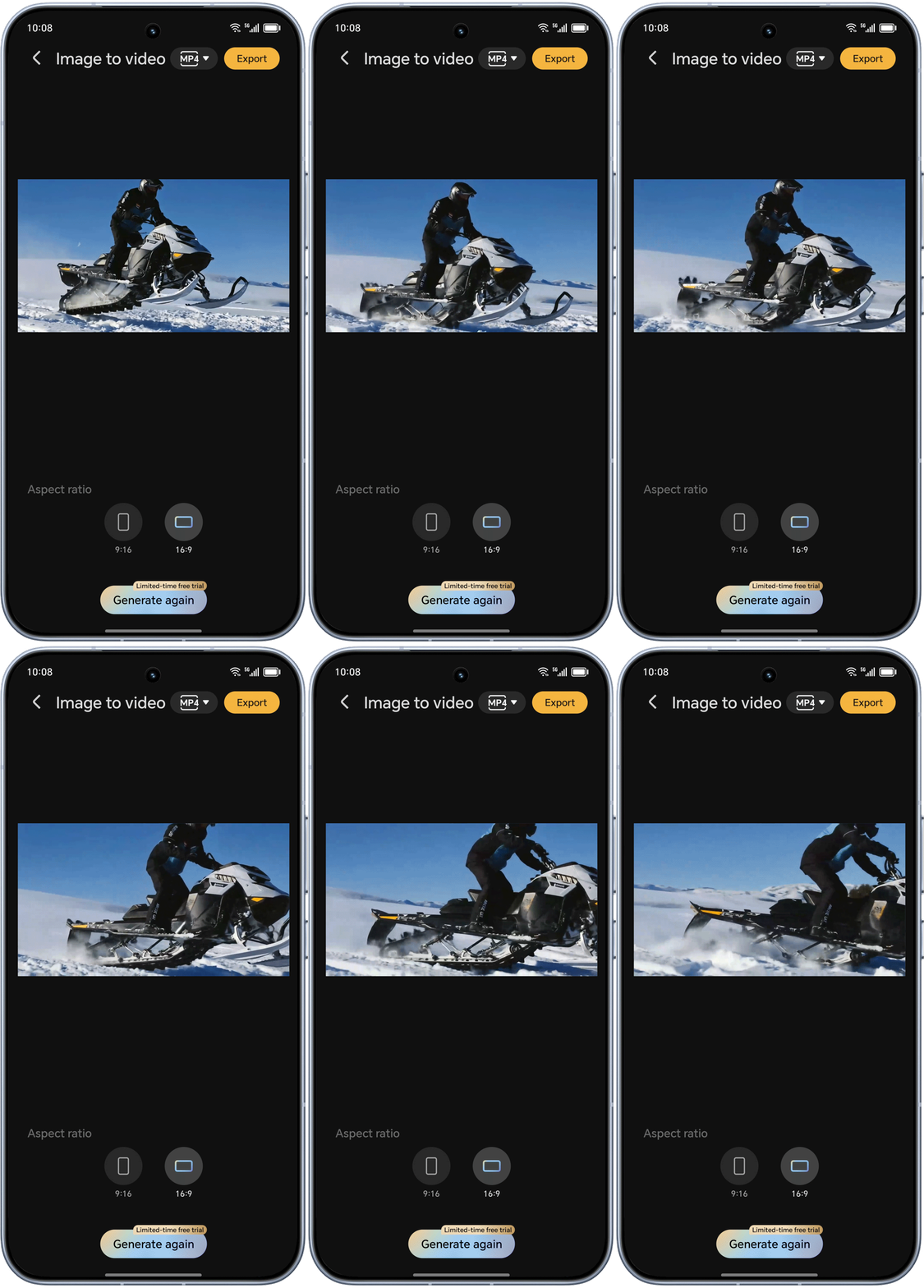
I only have a photo of me getting caught while skiing earlier; it would have been even better if I had a video. Tap, Edit, Wow.


Open path:
Gallery > Create > Image to video > Add image, choose
the video ratio you want to generate, click Start
generation, wait for the system to generate, click
Export, and the image to video is complete.
*This article takes HONOR 400 as an example; please upgrade the device system to the latest version; if the current system does not support it, please pay attention to subsequent version upgrades, the specific effect may vary depending on different usage scenarios, please refer to the actual experience.