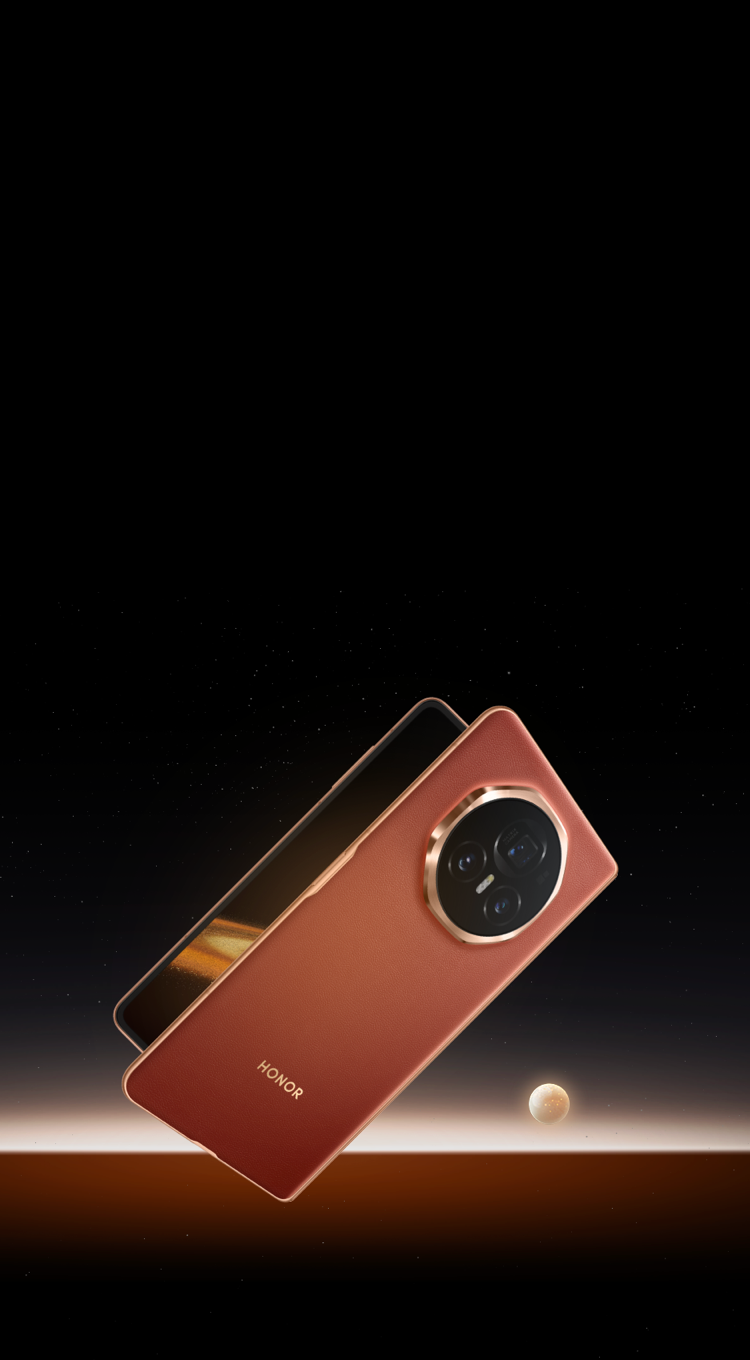
Essential Care Tips
for Your
HONOR Foldable
for Your
HONOR Foldable
Foldable displays bring cutting-edge
innovation—and require a touch of extra care.
Follow these simple guidelines to keep your
screen and hinge in pristine condition.
innovation—and require a touch of extra care.
Follow these simple guidelines to keep your
screen and hinge in pristine condition.

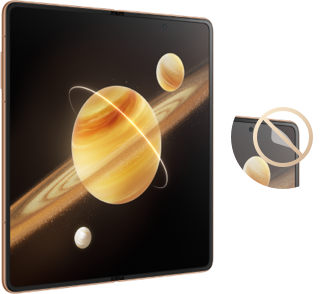
Do not remove the protective film
Do Not Peel or Layer: Your inner screen comes with a specially engineered
protective layer. Removing it or applying may damage the display.
Need a Refresh? If the film needs replacement, always visit an official HONOR Authorized Service Center for professional application.
Need a Refresh? If the film needs replacement, always visit an official HONOR Authorized Service Center for professional application.

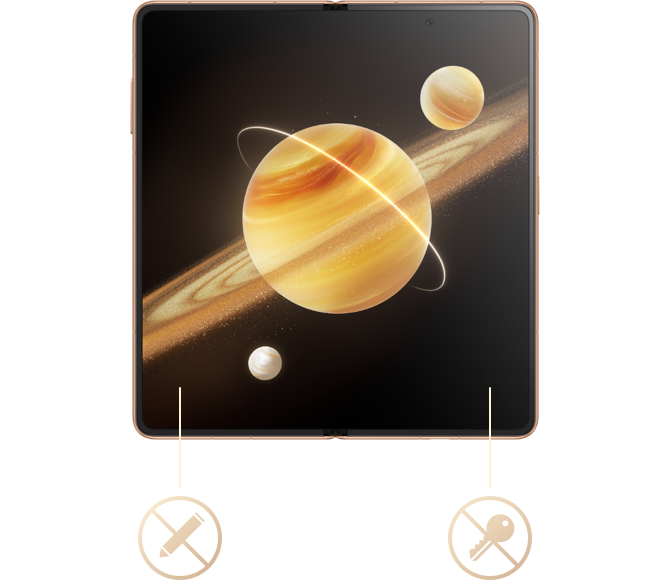
Do not press on the screen with sharp objects
Gentle Touch Only: Keep keys, pens, and paperclips away from the inner display.
Camera Area: Avoid pressing firmly on or around the built-in inner camera lens.
Camera Area: Avoid pressing firmly on or around the built-in inner camera lens.

About hinge and screen
folding
folding
Check the Screen: Before closing your phone, ensure no foreign objects—like
dust, sand, coins, or cards—are sitting on the display. Even microscopic debris may damage a
folded screen under pressure.
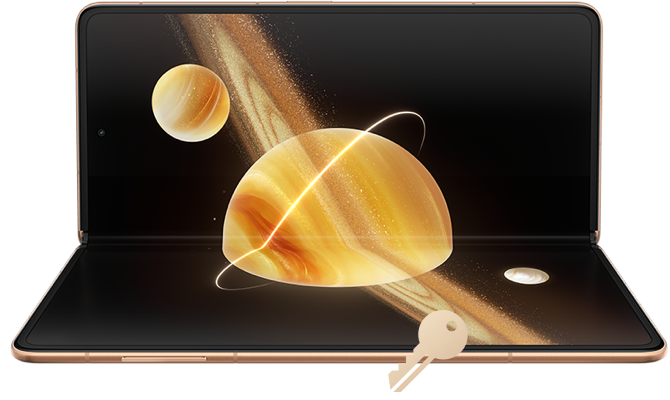
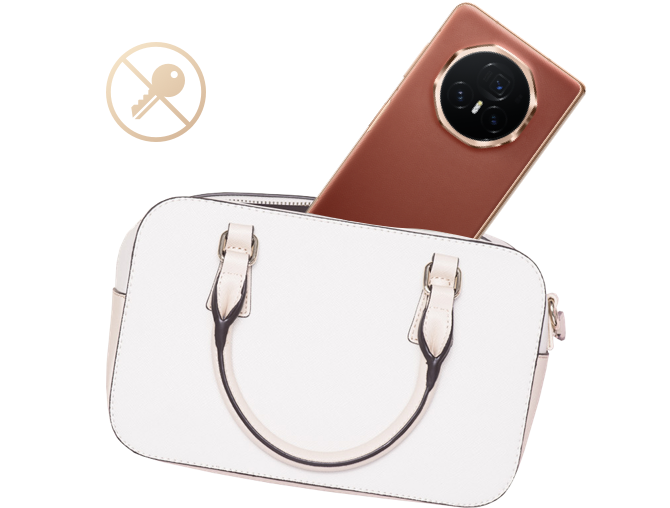
Fold to Carry: Always fold your device before placing it in a bag or pocket to
shield the inner display and hinge from accidental pressure or scratches.
A little extra care goes a long way.
Treat your foldable with care,
and enjoy a flawless experience every day
Treat your foldable with care,
and enjoy a flawless experience every day
Scan QR code below to reach HONOR Support team